Appearance
Members
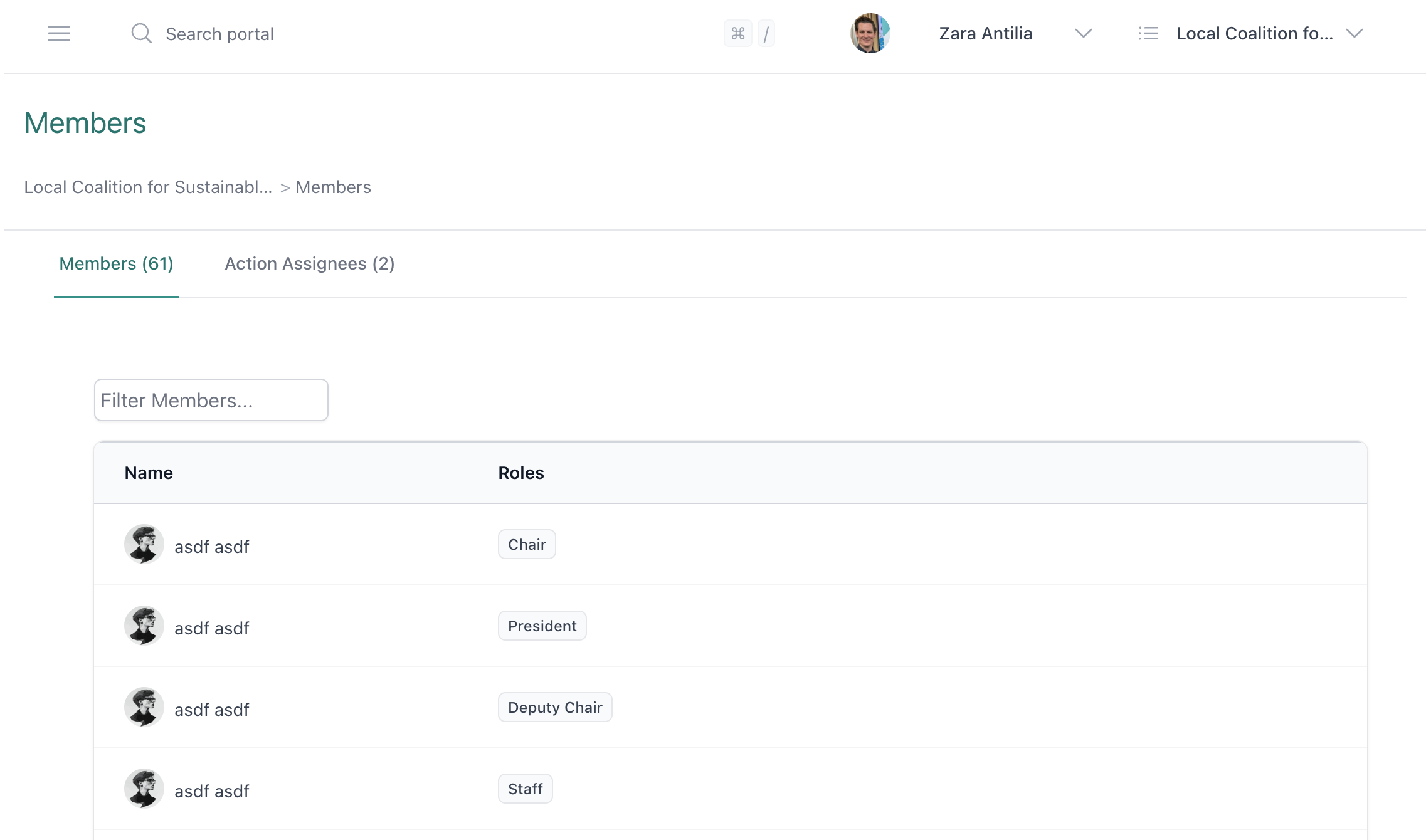
The Members page shows all the people who have access to your portal. Click Members from the left menu to view the list.
You will see two tabs:
- Members — people who can log in and use the portal
- Action Assignees — people who can be assigned actions but do not have portal access (e.g. external contacts)
Finding a Member
Use the Filter Members box to search by first or last name. You can also adjust the number of members shown per page.
Viewing Member Details
Click on a member's name to open their profile. You will see:
- Their role (e.g. Admin, Chair, Treasurer, Member, Guest)
- Board/member term dates (if recorded)
- Primary email address
For a full list of roles and what each can access, see Roles.
Action Assignees
The Action Assignees tab lists people who can have actions assigned to them but never log into the portal. This is useful for tracking tasks assigned to external contacts — their name, email, and phone number are recorded for reference.
Permissions
As a general member, you can view the member list, search for members, and view their details. Adding or removing members, exporting the member list, and enforcing multi-factor authentication are Admin-only actions.